

Introduction
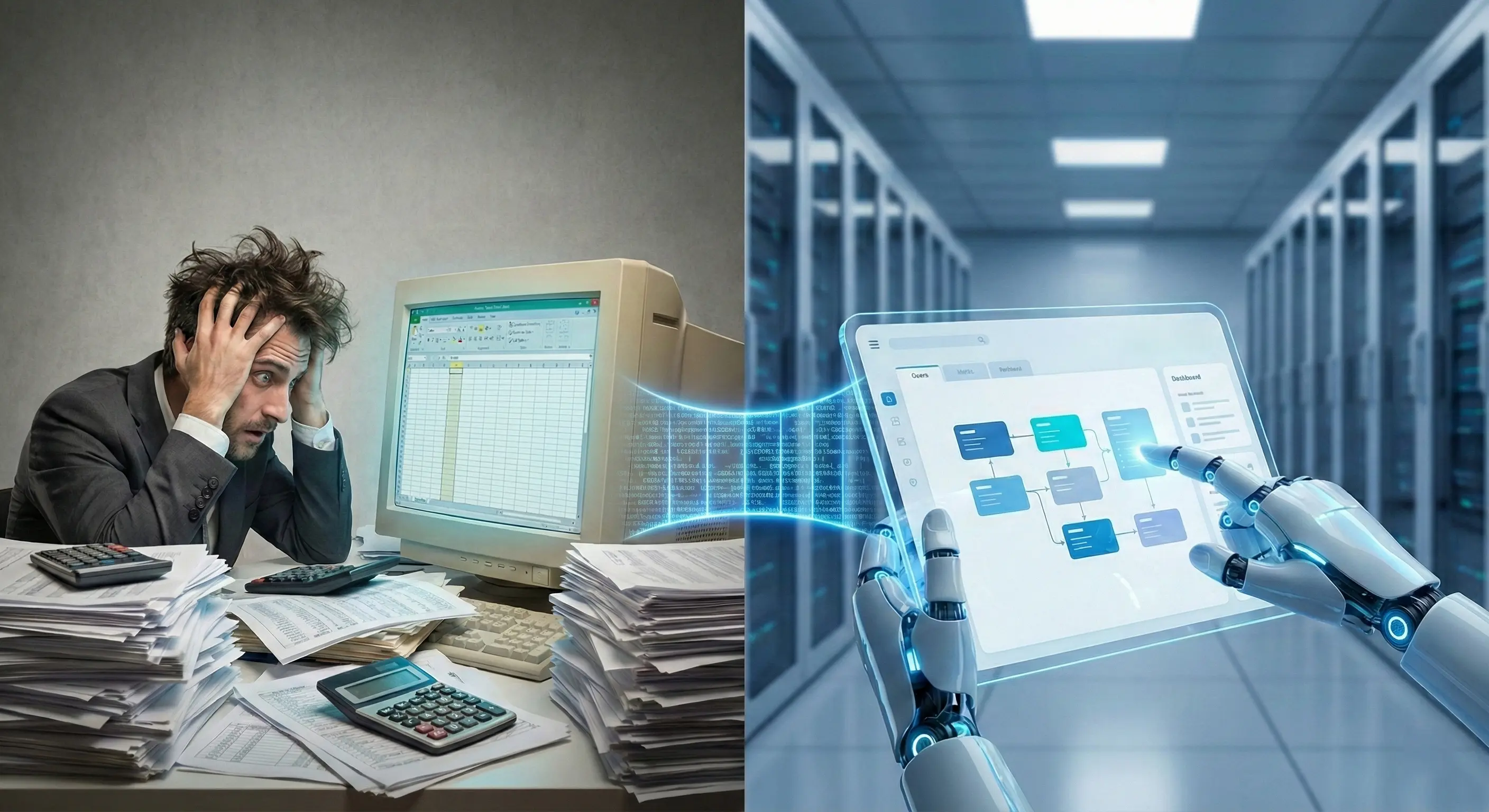
RPA automation in Google Workspace has shifted from a niche option to a strategic necessity for modern enterprises. Over the last decade, we have witnessed a seismic shift in business infrastructure: organizations, especially startups, scale-ups, and tech companies, are abandoning local servers and traditional desktop licenses to embrace the agility of the cloud.
However, most traditional RPA tools (Legacy RPA) remain anchored in the Windows and Microsoft Office paradigm, requiring local Excel installations to function and unnecessarily driving up infrastructure costs. This is where STELA makes the difference. By offering native, code-free integration with the Google ecosystem, STELA allows “Cloud-Native” companies to automate their workflows across Drive, Sheets, and Gmail with unprecedented efficiency and robustness.
The Challenge of Automation in a “Cloud-First” Environment
By 2025, it is estimated that over 50% of enterprise workloads will reside in the cloud, and platforms like Google Workspace continue to gain market share against traditional desktop solutions. Companies choose Google for its real-time collaboration capabilities and accessibility from anywhere.
Nevertheless, this transition presents a challenge for process automation. Attempting to automate Google Sheets using a robot that simply “looks” at the screen and clicks (UI or surface automation) is intrinsically fragile. A change in monitor resolution, a slow browser load, or an update to the Google interface can break the robot. True efficiency requires automation that interacts directly with the service API—something STELA solves masterfully through its native commands.
As highlighted in a recent report on cloud adoption trends, the deep integration of AI and automation into collaborative workspaces is key to future productivity. STELA positions itself at the center of this trend, acting as the intelligent orchestrator of your cloud office.
STELA DriveFX and GSuite: Your Bridge to Robotic Automation
The power of STELA for RPA automation in Google Workspace lies in its ability to speak the language of the cloud without intermediaries. Unlike solutions that require “downloading” the file to a desktop for processing, STELA operates directly on the Google environment.
Intelligent File Management with DriveFX
The DriveFX command is the heart of document management in the cloud within STELA. It allows robots to perform critical file management operations without human intervention and without relying on Windows File Explorer.
- List Files: The robot can “look” inside a Google Drive folder, identify new files (e.g., “Invoices_Pending_*.pdf”), and process them one by one.
- Move and Organize: Once a document is processed, STELA can automatically move it from an “Input” folder to a “Processed” or “Error” folder, keeping your Drive impeccably organized.
- Upload and Download: Facilitates hybrid interaction, allowing locally generated reports to be uploaded to the cloud for immediate distribution.
To dive deeper into the technical configuration of these capabilities, you can consult our official documentation on the Wiki.
Data Manipulation with XlsRead and XlsWrite (GSuite)
Forget about converting spreadsheets to Excel just so your robot can understand them. STELA includes specific commands to read from and write directly to Google Sheets.
Imagine a bank reconciliation process where the finance team collaborates on a master Google Sheet. A STELA robot can:
- Read the data entered by the team using XlsRead (GSuite) in real-time.
- Cross-reference that information with a SQL database or an ERP.
- Write the reconciliation results or discrepancies into a new column of the same sheet using XlsWrite (GSuite), without interrupting the team’s work.
This native reading and writing capability eliminates version errors and ensures there is always a “single source of truth.” You can learn more about connection prerequisites in our STELA GSuite Configuration guide.
Benefits of Native Cloud Automation
Adopting STELA for your Google Workspace processes offers clear competitive advantages over traditional automation models:
| Benefit | Business Impact |
|---|---|
| Cost Reduction (TCO) | Eliminates the need for Microsoft Office licenses on the servers where robots run. |
| Technical Robustness | By using APIs (OAuth2) instead of the graphical interface, robots do not fail due to visual changes in the browser. |
| Real Collaboration | Humans and robots can work on the same cloud files simultaneously, accelerating response times. |
| Enhanced Security | Sensitive data does not need to be downloaded to insecure local drives; processing can occur in memory or in the cloud. |
This approach aligns perfectly with the philosophy of No-Code RPA, democratizing access to automation for non-IT teams.
Use Cases: What Can You Automate Today?
1. Automated Employee Onboarding
When HR adds a new employee to a master Google Sheet, a STELA robot can detect the new row, automatically create the necessary folders in Google Drive for that employee (using DriveFX), generate their contract in PDF, and send it via Gmail for signature.
2. Consolidated Marketing Reports
A robot can extract performance data from campaigns (Facebook Ads, Google Ads), consolidate them into a daily Google Sheet, and notify the team via Chat or Slack if any metric falls below the expected KPI, all without anyone manually opening a spreadsheet.
Frequently Asked Questions (FAQs)
Do I need to install Microsoft Excel for STELA to automate spreadsheets?
No. If your company uses Google Workspace, STELA connects directly to Google Sheets via the cloud. This reduces licensing costs and simplifies the robot’s technical infrastructure.
Is it safe to connect STELA to my corporate Google account?
Yes. STELA uses the industry-standard OAuth2 and service credentials (JSON Key) generated directly in the Google Cloud Console. This ensures the robot has granular and controlled permissions without needing to share your personal password.
Can STELA read PDF files saved in Google Drive?
Absolutely. Using DriveFX, the robot can temporarily download the PDF from Drive, process its content with OCR technologies (such as integrated Azure OCR) to extract key data, and then archive the document in another Drive folder, all in a continuous flow.
Conclusion
RPA automation in Google Workspace with STELA represents the logical next step for companies born in the cloud or migrating towards it. By removing the friction of legacy systems and leveraging the power of native integration, STELA allows your robots to be faster, safer, and more economical.
Don’t let your processes remain anchored to the desktop. It’s time to bring your digital workforce to the cloud.
Ready to automate your Google Workspace without writing a single line of code?
Request a STELA demo today.
Contact us and let us show you how simple it is to automate with STELA.
Interested in learning more or having a meeting? Fill out the form below and we will contact you.